
Installing Detectron2 on windows is not so easy but an achievement indeed! I am writing this story after so many hurdles which I faced while installation. You might have tried various methods to install detectron2 on your windows machine but could not succeed successfully, if you want to give an another shot then you on the right place.
Reference: “https://github.com/facebookresearch/detectron2”
As per the Official page “https://detectron2.readthedocs.io/en/latest/tutorials/install.html” requirement, it is not supporting windows. we will try this today.
I have installed the anaconda for windows with conda version — 4.8.3
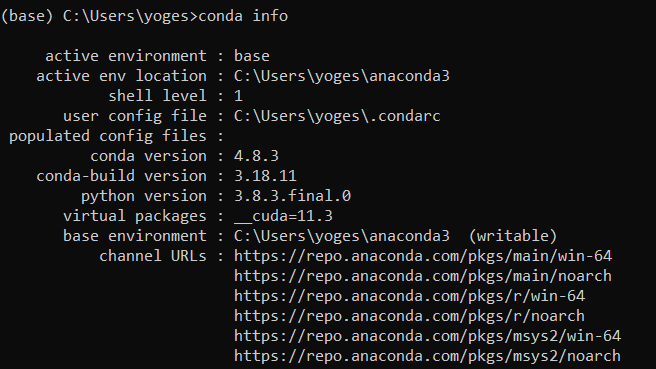
Anaconda Env with Version
I have downloaded Cuda 10.2 because it was working without any error, you can try with other versions as well(I have not tested other versions)
”https://developer.nvidia.com/cuda-10.2-download-archive?target_os=Windows&target_arch=x86_64&target_version=10”

Cuda Tooltik 10.2
Go to Anaconda Prompt and follow as below
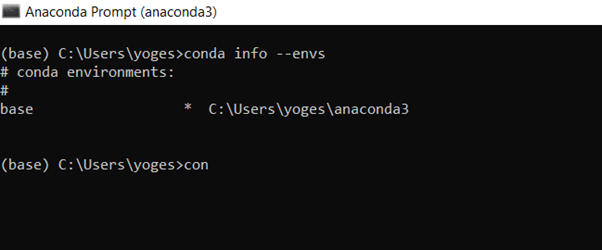
Checking environments
Due to a space issue in the C drive, I am installing it in D drive, you can replace your directory and env name (in this case env name is Yogesh_CV)

Activate your created environment